

This is a simple explanation/ how to submit your artist profile guide. Our Artist Profile Submission page is exclusively for members of the Out There Entertainments Artist Membership. If you haven’t already signed up for a package, you’ll need to complete your membership first before you can access and submit this form.
The profile you create here is what we’ll use to feature you on our website, promote you across our social channels, and connect you with new opportunities. It’s your professional showcase, so please take care when filling in your details and make sure everything is accurate. If you’re already a member, you’re ready to complete your profile. Below, we’ve outlined each of the fields you’ll see in the submission form, along with a simple explanation to help you get it right.
How to Submit Your Artist Profile Breakdown
Please ensure you provide all the required information accurately, as this will be used to create your artist profile. Incomplete or incorrect details may result in your application being unsuccessful. If you have any questions, check our FAQs below the form or contact us directly at info@outthereentertainments.co.uk
Submitting your artist profile is simple. All you need to do is complete the required fields in the form with accurate details about you or your band, upload your content, and hit submit. Once received, our team will review your information and create your account within 24–48 hours. You’ll then see your profile live on our website, ready to be featured in promotions and opportunities.
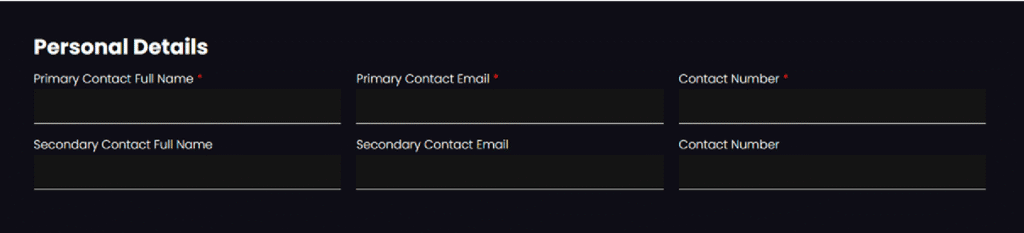
Personal Details
- Primary Contact Full Name – The main person we should contact about your membership.
- Primary Contact Email – The main email address we’ll use for all updates.
- Contact Number – Your primary phone number for quick communication.
- Secondary Contact Full Name – An alternative contact person (optional).
- Secondary Contact Email – Backup email if we can’t reach the primary contact.
- Contact Number – Backup phone number for your secondary contact.
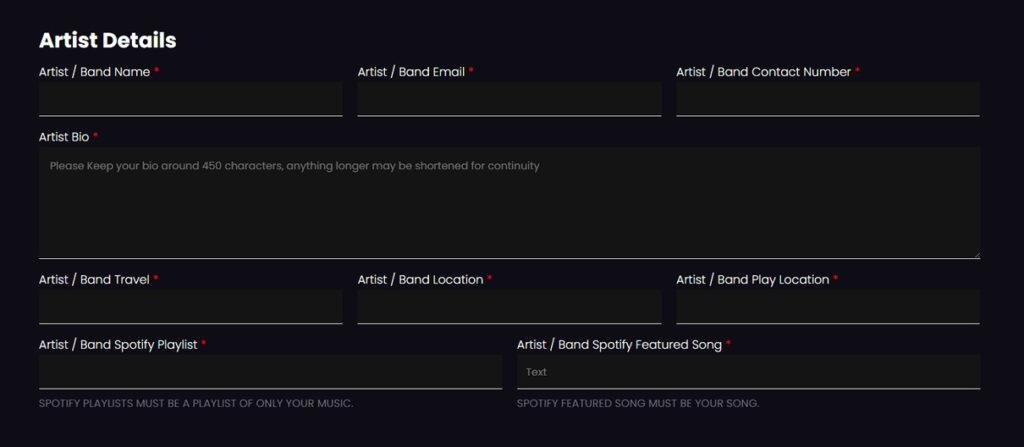
Artist Details
- Artist / Band Name – The official name of your act.
- Artist / Band Email – The best email address for fans, promoters, or bookings.
- Artist / Band Contact Number – A phone number for artist-related enquiries.
- Artist Bio – A short introduction (max ~450 characters) about your music, style, and story.
- Artist / Band Travel – Let us know if you’re able to travel for gigs.
- Artist / Band Location – Where you or your band are based.
- Artist / Band Play Location – Areas you are available to perform.
- Artist / Band Spotify Playlist – A link to your Spotify playlist (if you have one).
- Artist / Band Spotify Featured Song – Share your main track or song link to showcase.
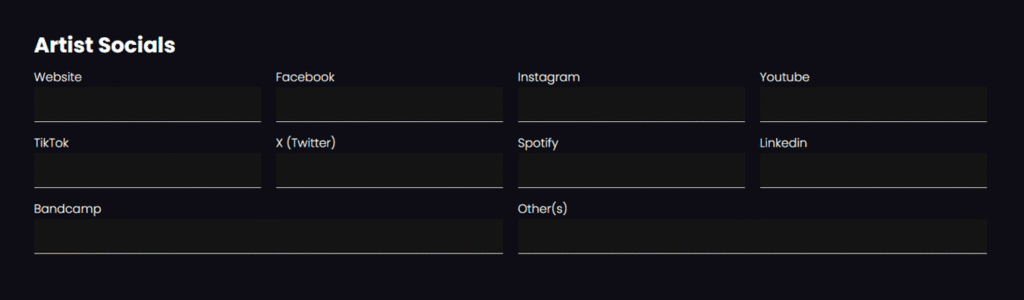
Artist Socials
- Website – Your official website (if available).
- Facebook – Link to your band/artist page.
- Instagram – Your Instagram profile link.
- YouTube – Channel link or main video.
- TikTok – TikTok profile link.
- X (Twitter) – Twitter/X profile link.
- Spotify – Link to your Spotify artist page.
- LinkedIn – Profile or page link (optional).
- Bandcamp – Your Bandcamp artist link (if you use it).
- Other(s) – Any additional social or streaming links not listed above.
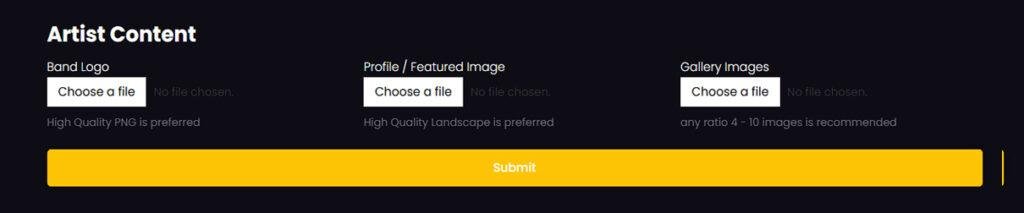
Artist Content
- Profile / Featured Image – A main image in 16:9 landscape ratio (this will be your profile header).
- Gallery (Max 10) – Up to 10 extra images of your band/artist (live shows, press shots, etc.).
- Logo – Your official artist or band logo file (optional but recommended).
Once you’ve completed the form, your details will be submitted to our team for review. If approved, your profile will go live on our website and begin featuring in our promotions and artist directory. This is your chance to present yourself professionally and stand out, so be sure everything is up to date. If you’re ready to showcase your music and haven’t yet joined, head over to our Artist Membership page to sign up first. If you’re already a member, your next step starts here – completing your artist profile and stepping into the spotlight.